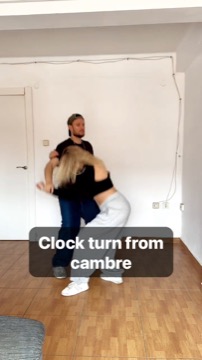
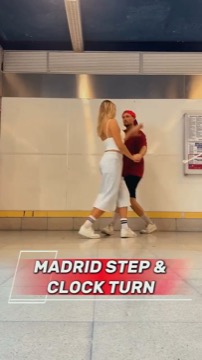
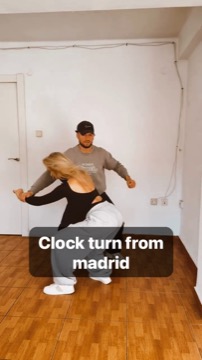
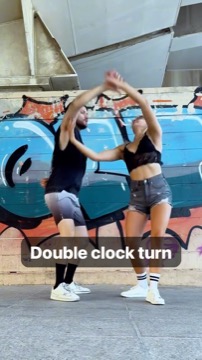
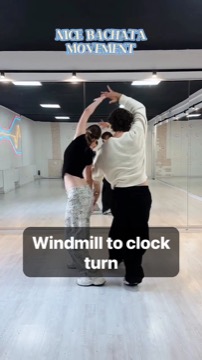
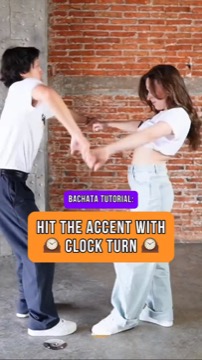
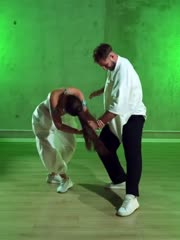
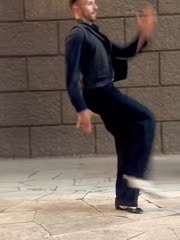
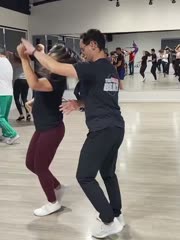
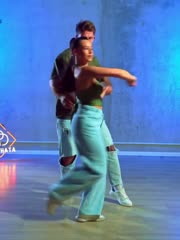
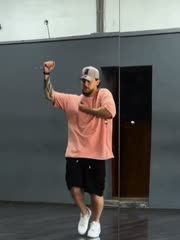
Save it. Loop it. See your progress.

Want a look first? Browse the Move Library.

How it works

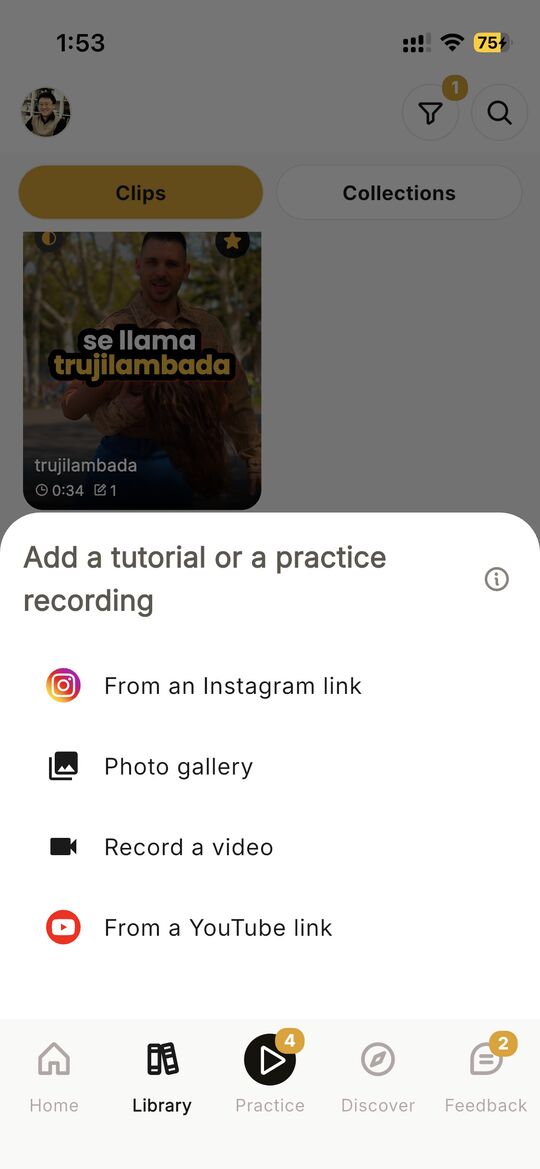
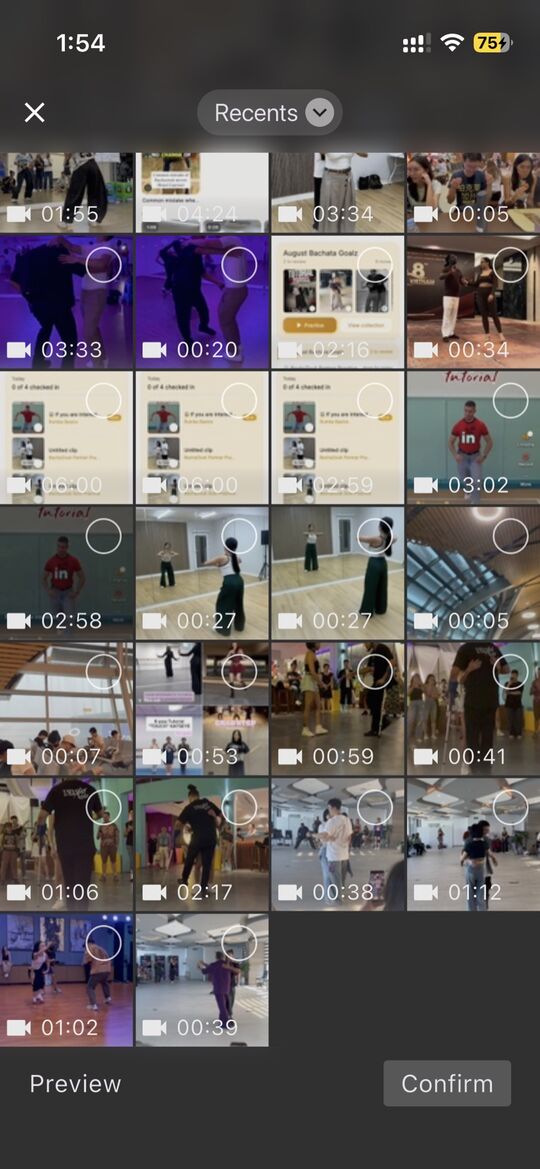
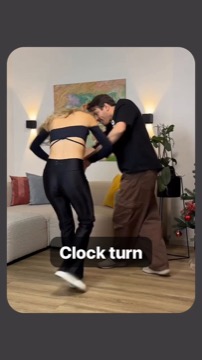
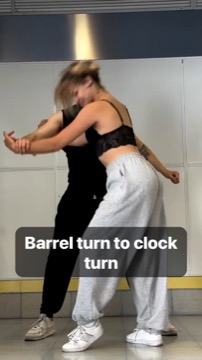
Save or browse a move you want to learn.
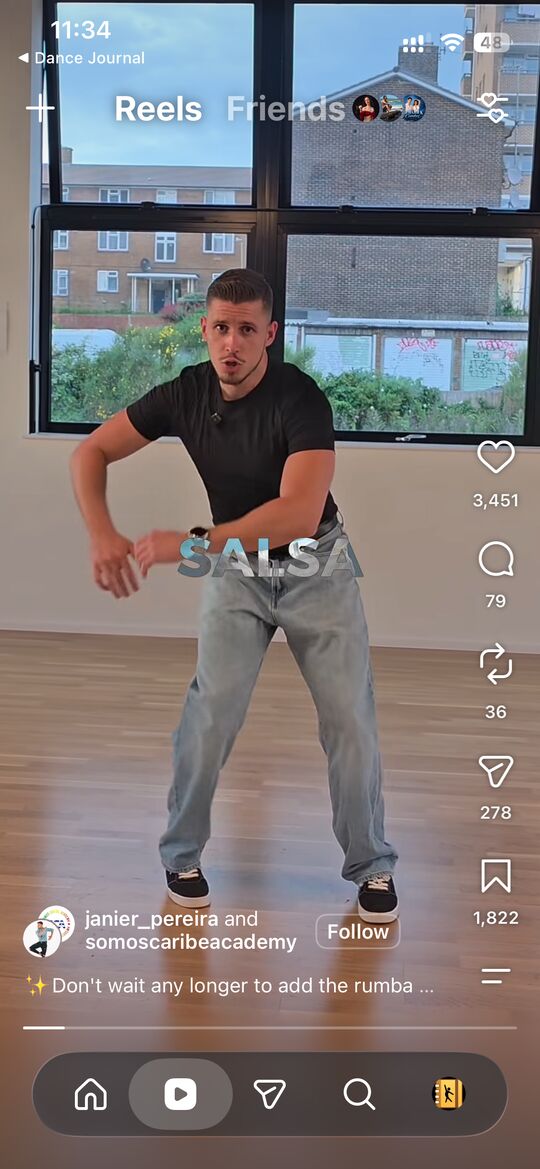
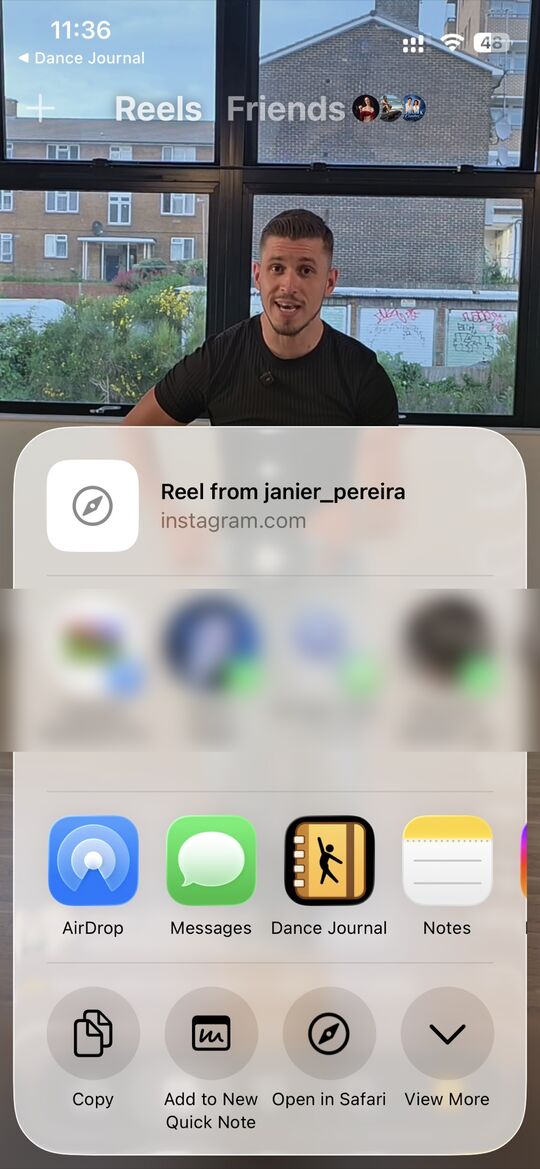
Step 1: on an Instagram reel, tap Share
Then pick Dance Journal in the share sheet
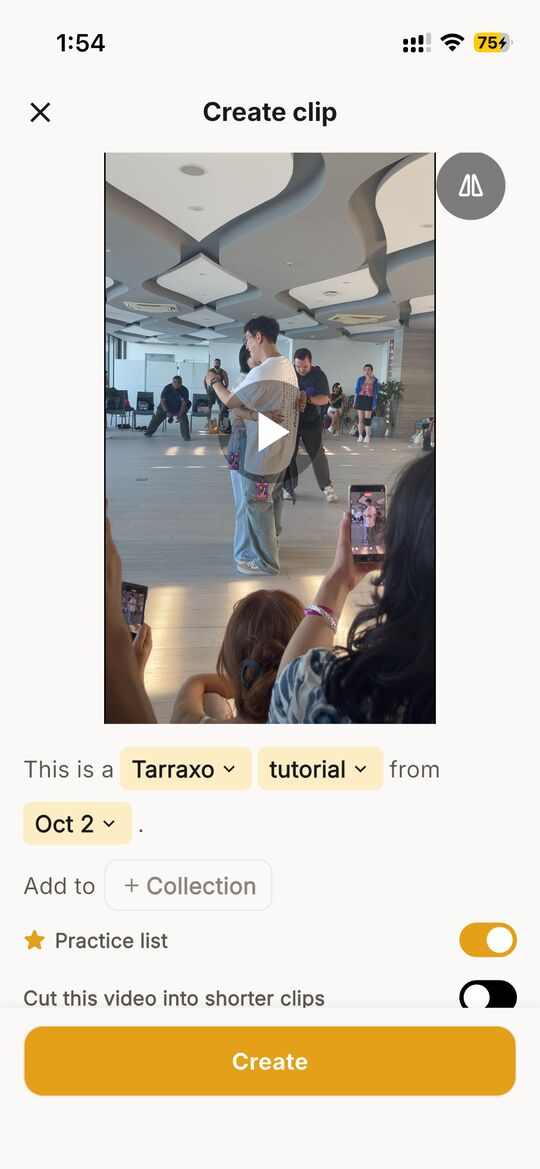
Step 2: the Create clip screen, marked as a Cuban Salsa tutorial with Practice list switched on, then tap Create
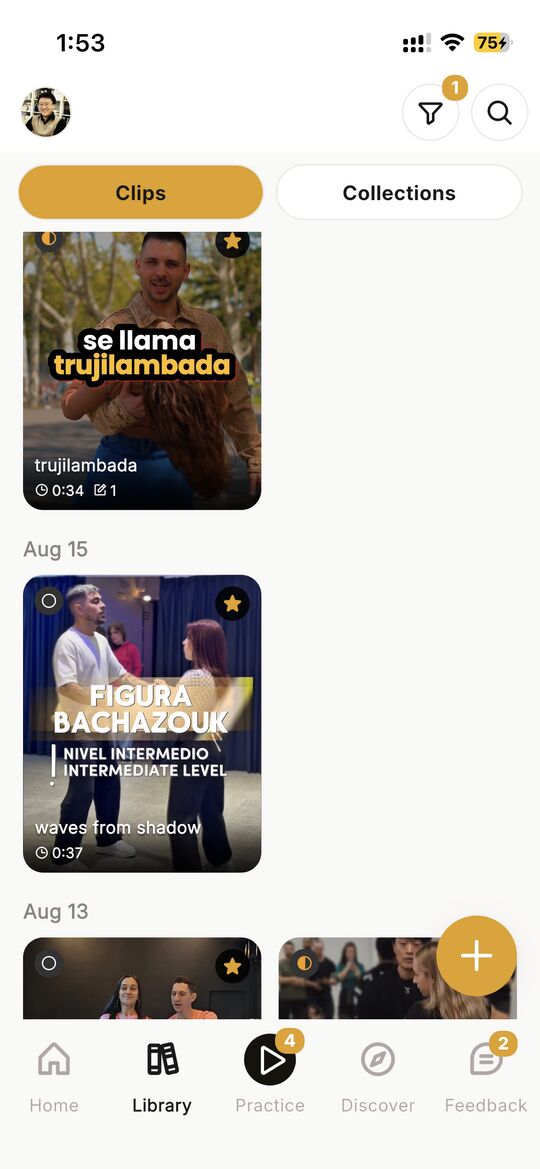
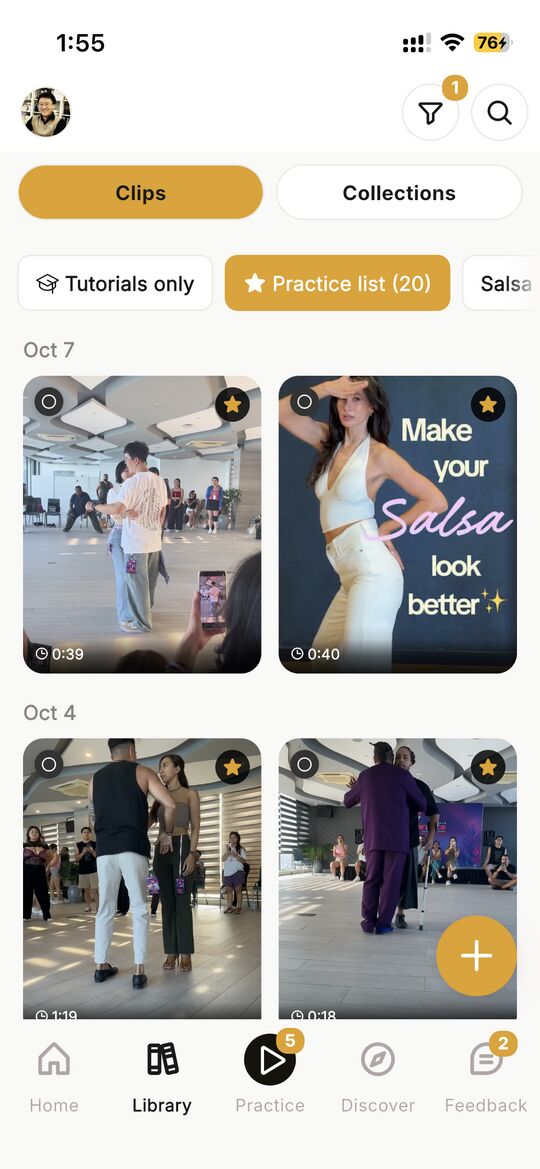
Step 3: the move is first in your library, starred for your practice list

Loop the part you want to practice.

Track your progress.

Get more out of your practice.

The Speed sheet set to 0.5x, with preset buttons for 0.25x, 0.5x, 0.75x and 1x and a dial to fine-tune the speed

Slow it down, frame by frame

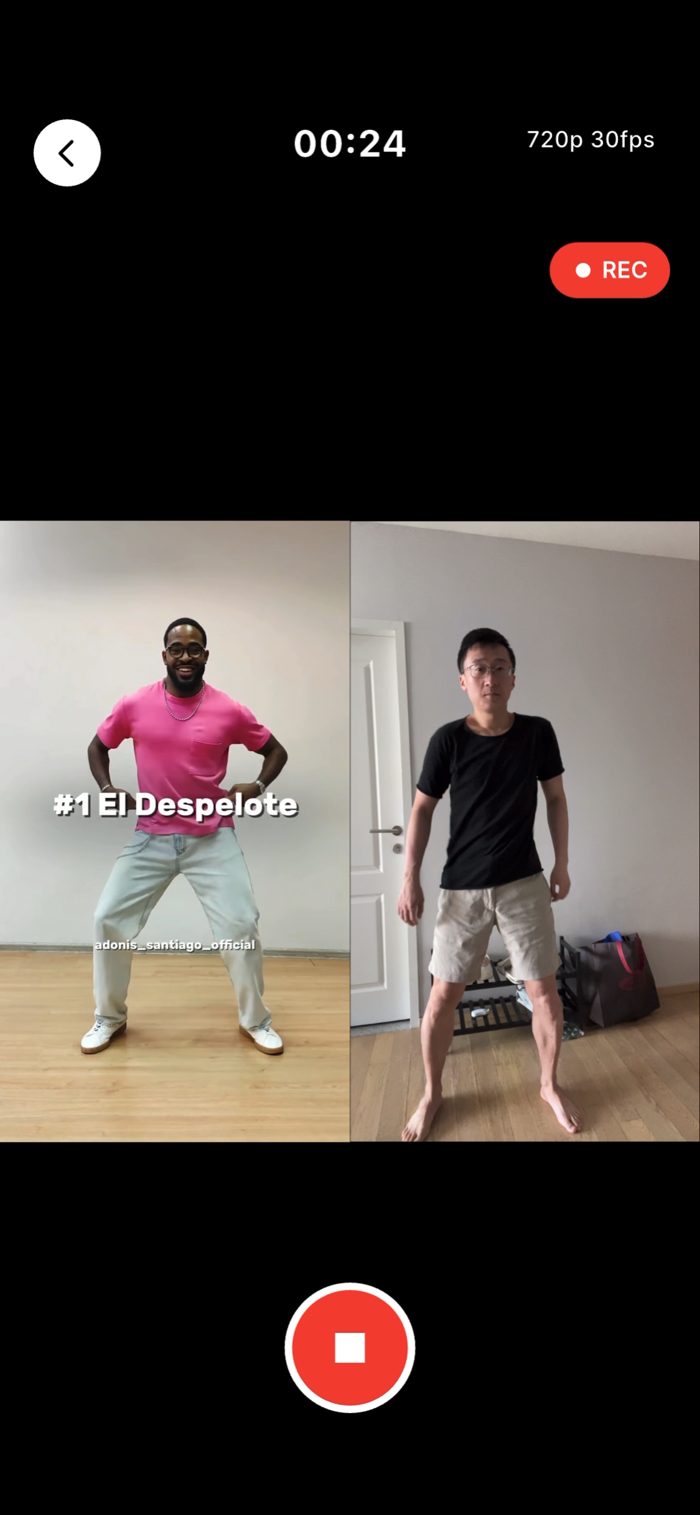
Recording a take: the tutorial plays on the left while the camera films the dancer on the right

Record yourself next to the tutorial

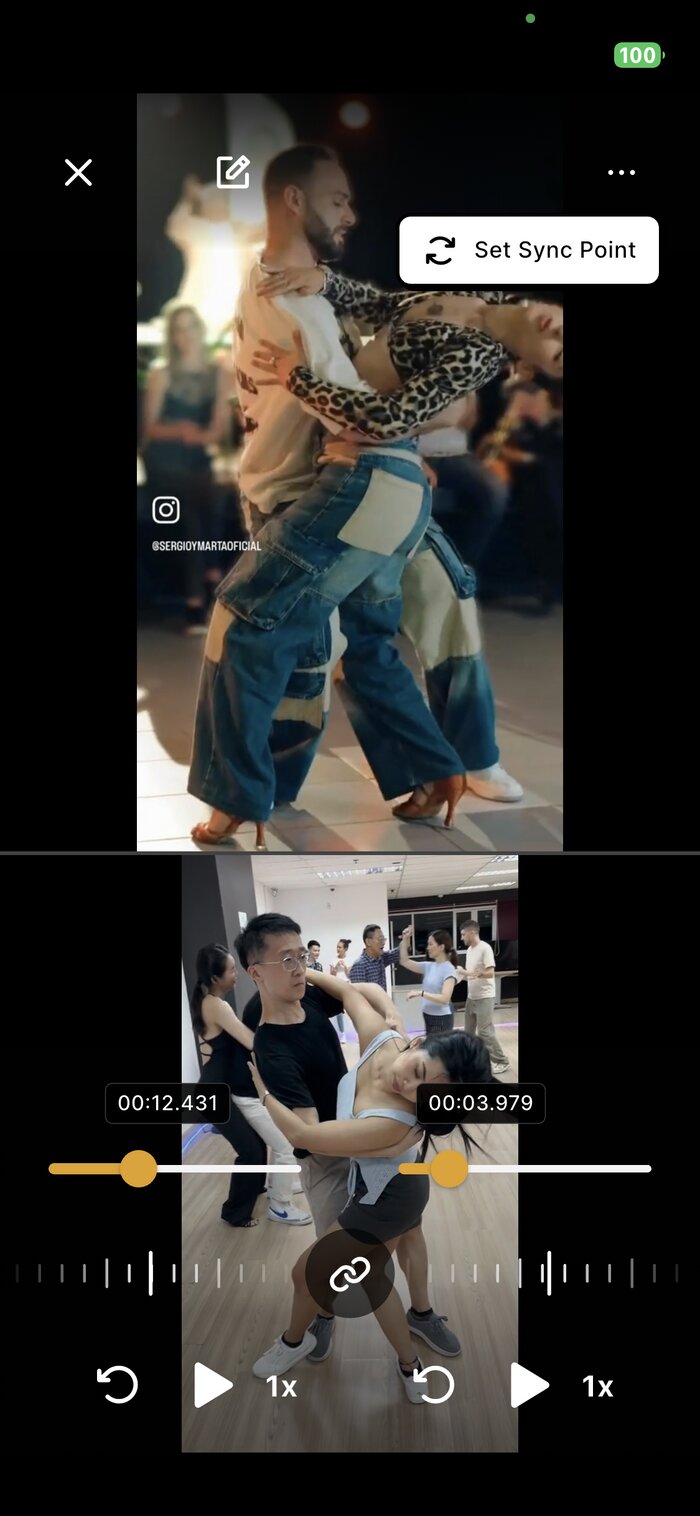
Two clips synced side by side with independent timestamps for frame-accurate comparison

Compare side by side

A note reading Knee higher, with a pointer to the dancer's raised knee, pinned to one moment on the timeline

Take notes on the video

Practice with intention.

Available on iPhone and Android.